

Book 1-on-1 Counselling Session
How to Fill CAT Application Form 2026: Step-by-Step Registration Guide
Subscribe For Regular Alerts
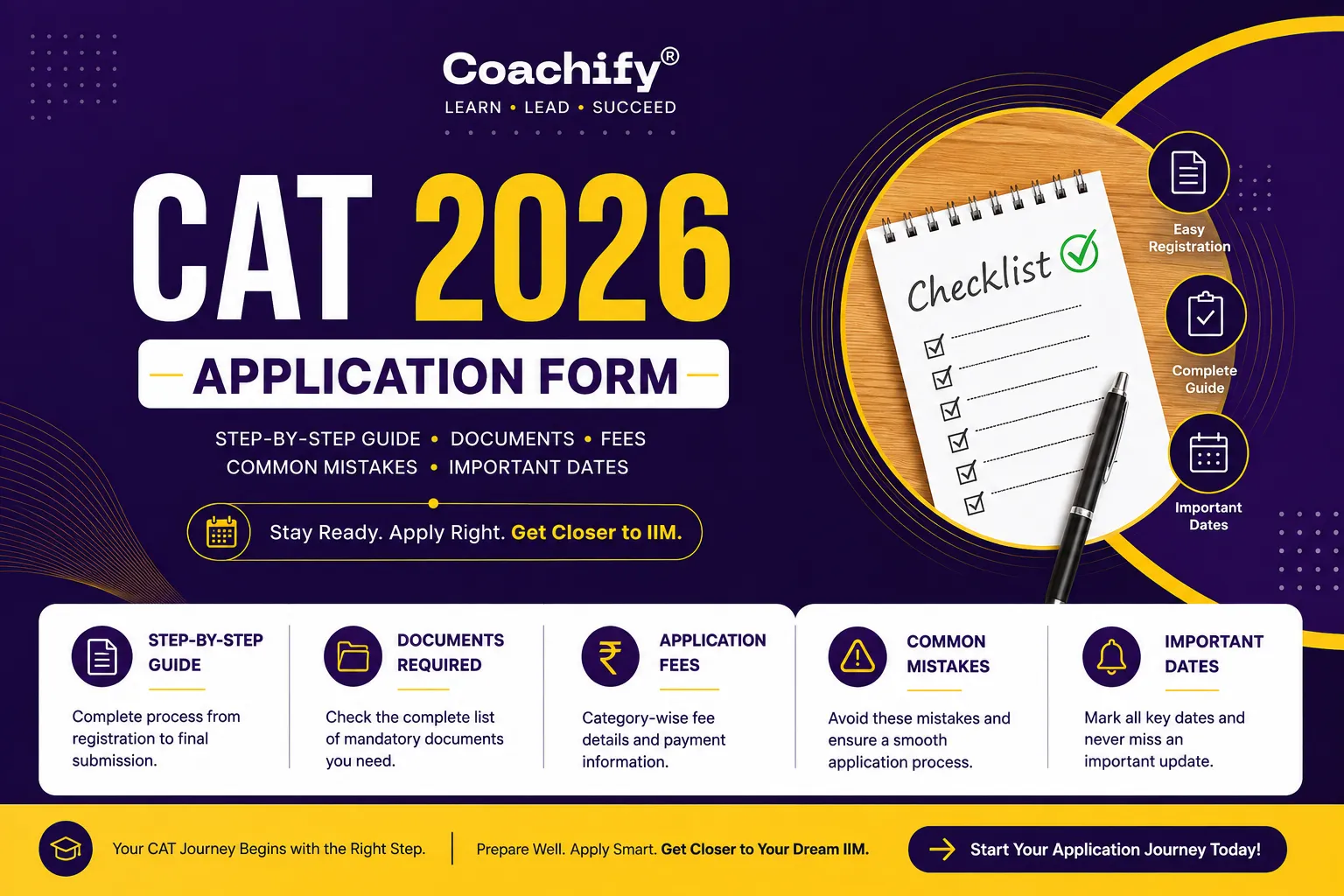
The CAT Application Form 2026 is now available for candidates who wish to pursue an MBA from the IIMs and other leading business schools in India. IIM Indore has started the online registration process from August 3, 2026, and interested candidates can submit their application forms until September 15, 2026. Although the registration process is completely online, filling the application form carefully is important because even small mistakes can lead to unnecessary problems later. Whether you're a final-year student, a graduate, or a working professional, this guide will walk you through every step of the CAT 2026 application process. You'll also find the complete list of required documents, important dates, application fees, image specifications, and practical tips to help you submit your form without any confusion.
CAT Application Form 2026: Overview
The CAT Application Form 2026 is available only through the official CAT website. To complete your registration, you'll first need to create an account using your email ID and mobile number. After that, you can fill in your personal details, academic qualifications, work experience (if applicable), upload the required documents, choose your preferred exam cities, and pay the application fee online.
Since lakhs of candidates register for CAT every year, it's always a good idea to complete your application well before the last date. Applying early not only helps you avoid last-minute website traffic but also gives you enough time to review your details before final submission.
CAT Application Form 2026: Overview
|
Particular |
Details |
|
Exam Name |
Common Admission Test (CAT) 2026 |
|
Conducting IIM |
IIM Indore |
|
Application Mode |
Online |
|
Registration Starts |
August 3, 2026 |
|
Last Date to Apply |
September 15, 2026 |
|
CAT 2026 Exam Date |
November 29, 2026 |
|
Exam Mode |
Computer-Based Test (CBT) |
|
Official Website |
iimcat.ac.in |
For complete details about the exam schedule, eligibility, and other official announcements, read the CAT Notification 2026 before starting your registration.
Important Dates for CAT Application Form 2026
Missing an important deadline can prevent you from appearing for the exam, so it's worth keeping track of every stage of the registration process. From filling the application form to downloading the admit card, the table below lists all the important dates related to CAT 2026. We recommend completing your registration a few days before the deadline to avoid last-minute technical issues.
|
Event |
Date |
|
CAT 2026 Registration Starts |
August 3, 2026 (10:00 AM) |
|
Last Date to Submit Application Form |
September 15, 2026 (5:00 PM) |
|
Application Correction Window |
To Be Announced |
|
CAT Admit Card Release |
November 4, 2026 |
|
CAT 2026 Exam Date |
November 29, 2026 |
|
CAT 2026 Result |
Expected in December 2026* |
The result date is tentative and will be announced by the conducting IIM.
Quick Tip: Don't wait until the last day to apply. Completing your application early gives you enough time to verify your details, upload documents correctly, and avoid heavy traffic on the official website.

Important Dates for CAT Application Form 2026
Staying updated with the official schedule is essential to complete your CAT Application Form 2026 on time. Missing a deadline could prevent you from appearing for the exam, so it's best to keep track of every important event. We recommend completing your registration a few days before the last date to avoid last-minute technical issues and heavy website traffic.
|
Event |
Date |
|
CAT 2026 Registration Begins |
August 3, 2026 (10:00 AM) |
|
Last Date to Submit Application Form |
September 15, 2026 (5:00 PM) |
|
Application Correction Window |
To Be Announced |
|
CAT 2026 Admit Card Release |
November 4, 2026 |
|
CAT 2026 Exam Date |
November 29, 2026 |
|
CAT 2026 Result |
Expected in December 2026* |
The result date is tentative and will be announced by the conducting IIM.
Documents Required Before Filling CAT Application Form 2026
Before you start filling the CAT Application Form 2026, keep all the necessary documents ready. Having everything prepared beforehand makes the registration process faster and reduces the chances of errors or interruptions while filling the form.
Documents Checklist
|
Document |
Required |
|
Valid Email ID |
✔ |
|
Active Mobile Number |
✔ |
|
Passport-size Photograph |
✔ |
|
Scanned Signature |
✔ |
|
Class 10 Marksheet/Certificate |
✔ |
|
Class 12 Marksheet/Certificate |
✔ |
|
Graduation Mark Sheets / Degree Certificate |
✔ |
|
Category Certificate (SC/ST/OBC-NCL/EWS) |
If Applicable |
|
PwBD Certificate |
If Applicable |
|
Debit Card / Credit Card / UPI / Net Banking |
✔ |
Keeping these documents ready before you begin will help you complete the application in one go. It also gives you enough time to verify your details, upload the correct files, and avoid delays caused by missing documents or incorrect information.

How to Fill CAT Application Form 2026
Filling the CAT Application Form 2026 is a simple online process if you follow each step carefully. Make sure all the information you enter matches your official documents, as incorrect details can create problems during the admission process. Follow the steps below to complete your registration successfully.
Step 1: Register on the Official CAT Website
Visit the official CAT website and click on "New Candidate Registration." Enter your basic details, including your full name, date of birth, email ID, mobile number, and country. Make sure the email ID and mobile number you provide are active, as all future communication regarding CAT 2026 will be sent to them.
Step 2: Verify Mobile Number & Email
After submitting your basic details, verify your mobile number using the OTP sent to your registered number. Once the verification is complete, your User ID and Password will be sent to your registered email address. Save these credentials carefully, as you'll need them throughout the admission process.
Step 3: Log In to Your CAT Dashboard
Use your User ID and Password to log in to the CAT candidate portal. From here, you can access the complete application form and save your progress while filling different sections.
Step 4: Fill Your Personal Details
Enter all your personal information carefully, including your parents' names, gender, category, nationality, address, and communication details. Double-check every field before moving to the next section to avoid mistakes.
Step 5: Enter Your Academic Details
Provide your academic information, including Class 10, Class 12, and graduation details. Candidates currently in the final year of graduation should enter the details as specified in the application form. If you hold professional qualifications such as CA, CS, or CMA, provide those details wherever applicable.
Step 6: Add Work Experience (If Applicable)
If you have full-time work experience, enter your organisation name, industry, job role, and employment duration. If you are a fresher, you can simply leave this section blank.
Step 7: Select Preferred IIM Programmes & Test Cities
Choose the IIM programmes you wish to apply for and select up to five preferred CAT exam cities in order of preference. Your final test centre will be allotted based on your preferences and seat availability.
Step 8: Upload Photograph & Signature
Upload your recent passport-size photograph and signature in the prescribed format. Make sure the images are clear and meet the official size requirements.
Photograph & Signature Specifications
|
Particular |
Photograph |
Signature |
|
Format |
JPG / JPEG |
JPG / JPEG |
|
File Size |
30 KB – 80 KB |
10 KB – 30 KB |
Step 9: Pay the CAT Application Fee
After completing all the required sections, proceed to the payment page and pay the application fee using any of the available online payment methods.
CAT Application Fee 2026
|
Category |
Application Fee |
|
General / EWS / NC-OBC |
₹2,700 |
|
SC / ST / PwBD |
₹1,350 |
Accepted Payment Methods
-
Debit Card
-
Credit Card
-
UPI
-
Net Banking
Once the payment is successful, your application will be considered complete.
Step 10: Review, Submit & Download the Confirmation Page
Before submitting your application, carefully review every section to ensure all the information is accurate. A few extra minutes spent reviewing your form can save you from unnecessary issues later.
Final Checklist
✔ Verify all personal and academic details.
✔ Check the uploaded photograph and signature.
✔ Confirm your selected programmes and exam cities.
✔ Submit the application form.
✔ Download the application confirmation PDF.
✔ Save the payment receipt for future reference.
Common Mistakes to Avoid While Filling CAT Application Form 2026
Filling the CAT Application Form 2026 is straightforward, but small mistakes can lead to unnecessary delays or even application rejection. Before submitting your form, take a few extra minutes to review every detail carefully. Here are some common errors that candidates should avoid:
-
Using an incorrect email ID or mobile number, as all official updates will be sent to these contact details.
-
Entering incorrect personal or academic information, especially graduation marks and passing year.
-
Selecting the wrong category, which may affect your eligibility for reservation benefits.
-
Uploading blurred or unclear photographs that do not meet the prescribed specifications.
-
Uploading an incorrect or illegible signature, which may lead to verification issues.
-
Waiting until the last day to register, increasing the risk of website traffic or payment failures.
-
Skipping the final review before submitting the application form.
-
Not downloading the confirmation page and payment receipt after successful submission.
A quick review before clicking the final submit button can save you from avoidable problems later in the admission process.
CAT Application Form Correction Window 2026
After the CAT registration process ends, the conducting IIM may open a CAT Application Form Correction Window for candidates who have already submitted their applications. This facility allows applicants to correct certain details without submitting a fresh application.
Generally, candidates may be allowed to update fields such as:
-
Photograph
-
Signature
-
Preferred Test Cities
However, important details like name, date of birth, email ID, mobile number, and category are usually not editable after final submission. The correction window is expected to open a few days after the registration deadline. Candidates should regularly check the official CAT website for the latest announcements.
Related blogs




Get free counselling from our experts.